In Magallanes, Starlink functions effectively as a backup to existing fiber or 4G connections, but not as the sole internet connection for an office in the city. Performance depends on location, the chosen plan, obstructions, weather conditions, and network load. Offered by Ditap Tecnología, with automatic failover and monitoring, the service starts at $180,000 per month.
Published August 18, 2026. Editorial review: September 29, 2026. Prices are net references; confirm the scope in a proposal.
If you work in Magallanes, you know that the internet connection is fragile. A fallen pole, roadwork, or an issue at the central – the region has fewer backup routes than Santiago, and when the main connection fails, business grinds to a halt. Starlink has changed the equation because it doesn’t rely on a cable; it faces the sky. The real question isn’t whether Starlink works, but when it’s a viable backup and when it’s a primary connection.
What is it, and why did it arrive in Magellan’s territory?
Starlink is SpaceX’s low Earth orbit (LEO) satellite network: instead of relying on a single geostationary satellite at 36,000 km, these low Earth orbit satellites offer lower latency than many geostationary links. Actual performance is verified at each location, without guaranteeing a fixed figure. This makes it useful for video calls and cloud-based systems, providing an experience that depends on the available capacity and stability. In areas where fiber optic cables haven’t yet reached every location or farm, and where a point-to-point link requires a clear line of sight between two towers, Starlink provides the final segment without requiring any civil construction.
What works: three use cases
We evaluated satellite connectivity in three scenarios, each with distinct requirements.
- Office backup/backup for an office. Fiber remains the primary connection; Starlink is only used as a backup, with automatic failover.
- Main connection on a ranch or cattle operation. Where there is no fiber or mesh network available, Starlink represents an alternative to consider compared to other options that are available.
- Mobile link. Whether in a field or on vessels, it is confirmed that the hardware, installation, and plan are suitable for that use. Simply having a photographic archive installation does not, by itself, demonstrate a Starlink deployment.
What isn’t working, and needs to be stated.
Starlink isn’t a substitute for a dedicated fiber connection when a business regularly transfers large files throughout the day: its upload speed is slower than its download speed, and during periods of high satellite network demand, the speed decreases. It can also experience latency variations. Furthermore, it’s not an ideal primary connection for a business already utilizing a well-functioning fiber connection; in this scenario, it’s best used as a backup, not a replacement. Finally, the antenna requires a clear line of sight to the sky, free of obstructions; a roof with nearby metal structures can cause intermittent interruptions unrelated to the service itself, but rather to the installation.
How much does it cost, when managed and when not managed.
| Setting | What does it include? | Approximate monthly cost |
|---|---|---|
| Starlink, done independently. | Equipment purchased, without monitoring or support. | The cost varies depending on the plan offered by Starlink; the exact price is set by the provider and can change over time (estimated). |
| Starlink managed by Ditap Technology | Antenna, router with failover, link monitoring, and support. | Starting from $180,000, net. |
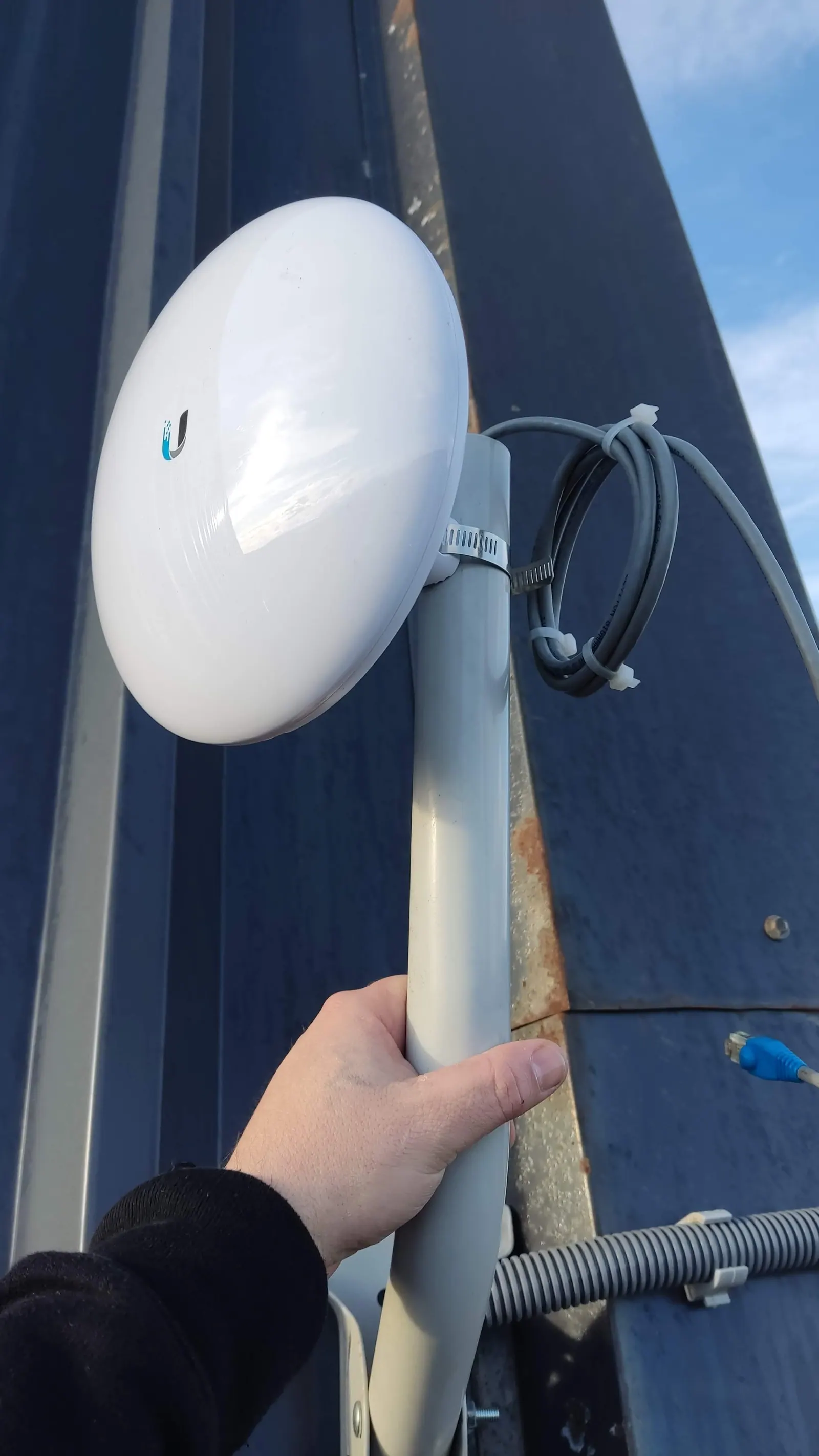
| Direct Ubiquiti link (alternative) | Without relying on a satellite provider; it requires a clear line of sight between two of your own points. | Based on the project and distance. |
The value of managing this isn't just about the team; it's about ensuring that someone finds out before you that the connection has degraded, and that the router switches providers without anyone having to unplug anything. Centralizing these events helps to identify the affected connection and prioritize the attention given to it.
How to set up automatic failover.
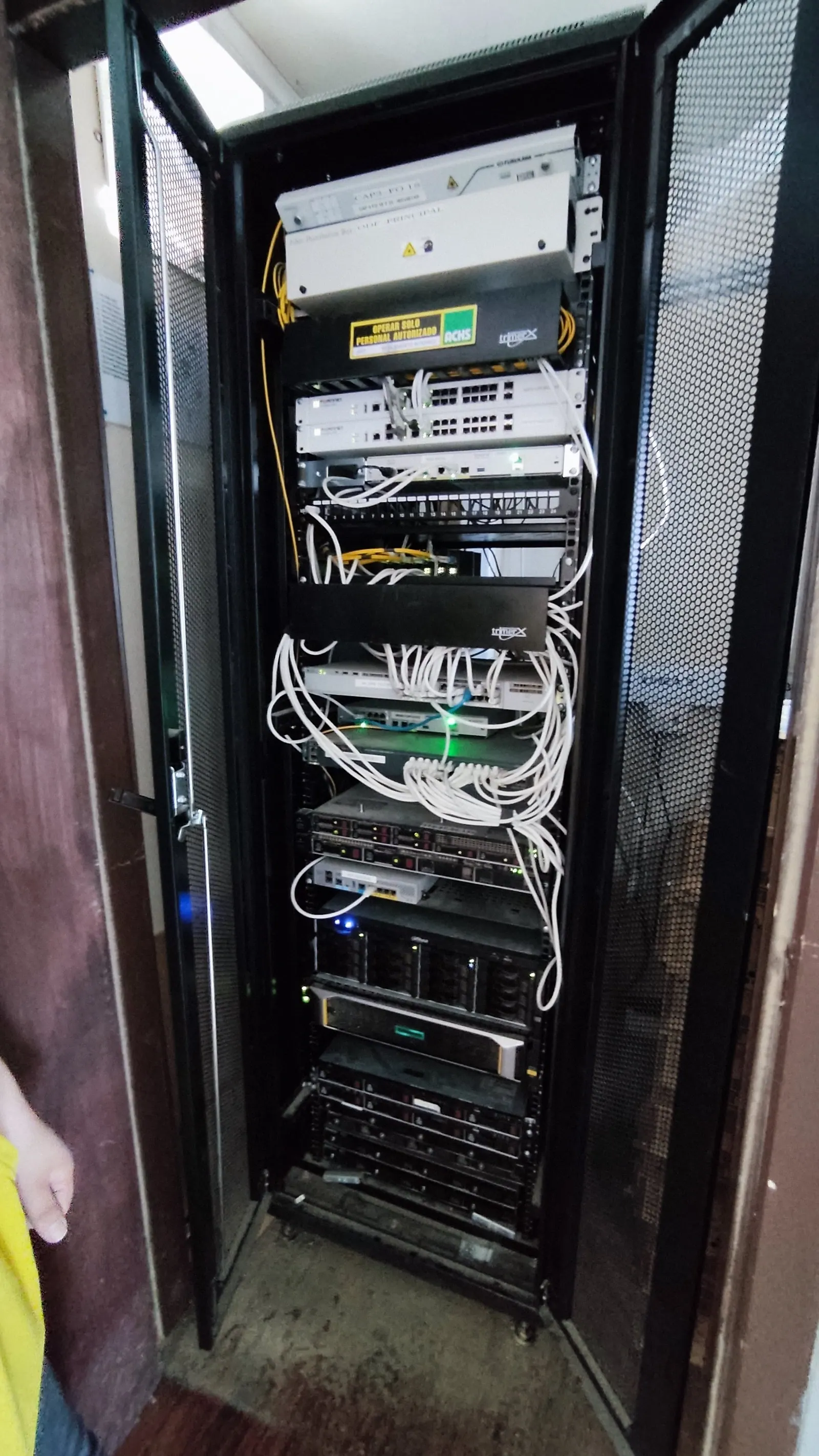
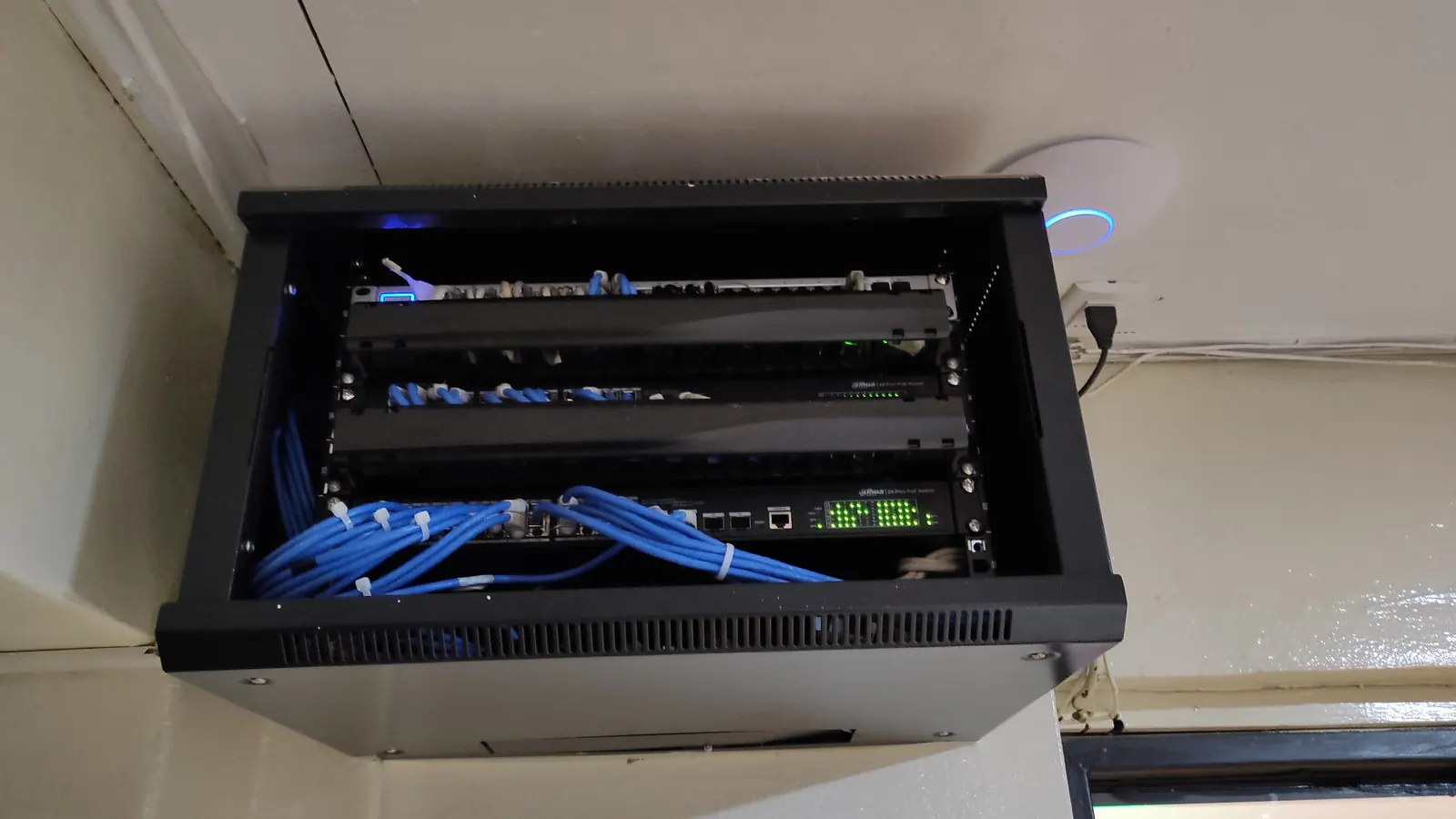
The failover system utilizes a router that supports multiple WAN connections – fiber as the primary connection and Starlink as a backup – and switching rules based on packet loss, not just a complete outage. This means that if the fiber connection experiences intermittent issues, which actually happens more frequently than a complete outage, the system can automatically switch over based on the configured thresholds. Consequently, some sessions may be interrupted. We configured and tested this in a live environment, forcing a real outage in front of the client.
What the monitoring indicates, and what it doesn’t.
An unmonitored link fails silently: the business only finds out when someone complains they can’t pay with a card. With the link monitored, an alert can be triggered when a degradation is detected, although this doesn’t always predict the impact on users. This includes three specific indicators: persistent packet loss (not a complete outage, which is easier to identify), increased latency beyond normal levels during periods of high demand on the satellite network, and an antenna that stops reporting – which generally indicates an issue with power or installation, rather than the equipment itself. However, monitoring doesn’t resolve the physical obstruction: if a tree has grown and now blocks part of the sky, a person on site will detect it, not a monitoring panel.
Signs that it would be beneficial for you to seek support, not just the main connection.
Not all companies need Starlink for their operations. It’s important to seriously evaluate it if any of the following conditions are met: the company relies on electronic payment methods, and a network outage immediately results in lost sales; there’s only one internet provider currently; the operation doesn’t have a nearby location that can handle the workload while the outage is resolved; or there have been multiple outages lasting over an hour in the last six months. If none of these apply, it may be sufficient to review the current contract before adding a second connection.
Before installing
Three questions before quoting: Is there a clear line of sight to the sky from where the antenna will be located? Does the current router support automatic failover, or does it need to be replaced? Can the operation wait between a few seconds and a minute while the connection is changed, or is continuous operation required? With these answers, a visit… Remote connectivity Please provide the Spanish text you would like me to translate.
Frequently Asked Questions
Could Starlink be the only internet connection for an office in Punta Arenas?
For an office location, it’s not ideal – it works well as a backup for fiber, with automatic failover. However, for a temporary assignment or project without fiber, it functions perfectly as the primary connection.
What’s happening with the snow and wind around the antenna?
The specifications of the model, the mounting location, and the mounting resistance are being checked. Intense weather and obstructions can affect performance.
How long does it take for the failover to activate if the fiber connection fails?
With a router that supports automatic failover, the switch takes between a few seconds and a minute, without anyone needing to do anything.
Does Starlink work for video calls and cloud-based systems?
Yes. It’s possible to hold video calls and cloud applications, depending on the quality of the connection. It’s important to test latency, packet loss, and upload capacity using real-world data.